I was going to update a lab host I have at home that is currently not managed by an external vCenter server. Historically I would do something like this to accomplish this task.
esxcli software profile update -p ESXi-8.0U2d-24585300-standard \
-d https://hostupdate.vmware.com/software/VUM/PRODUCTION/main/vmw-depot-index.xml
As has been discussed the update mirrors for vSphere now require a token to download from. In addition the paths are changing.
Current URL | Replace with |
https://hostupdate.vmware.com/software/VUM/PRODUCTION/main/vmw-depot-index.xml | https://dl.broadcom.com/<Download Token>/PROD/COMP/ESX_HOST/main/vmw-depot-index.xml |
https://hostupdate.vmware.com/software/VUM/PRODUCTION/addon-main/vmw-depot-index.xml | https://dl.broadcom.com/<Download Token>/PROD/COMP/ESX_HOST/addon-main/vmw-depot-index.xml |
https://hostupdate.vmware.com/software/VUM/PRODUCTION/iovp-main/vmw-depot-index.xml | https://dl.broadcom.com/<Download Token>/PROD/COMP/ESX_HOST/iovp-main/vmw-depot-index.xml |
https://hostupdate.vmware.com/software/VUM/PRODUCTION/vmtools-main/vmw-depot-index.xml | https://dl.broadcom.com/<Download Token>/PROD/COMP/ESX_HOST/vmtools-main/vmw-depot-index.xml |
So what does my command look like?

Replacing the token into the URL path it goes something like this:
esxcli software profile update -p ESXi-8.0U3b-24280767-standard -d https://dl.broadcom.com/TOKEN_GOES_HERE/PROD/COMP/ESX_HOST/main/vmw-depot-index.xml --no-hardware-warning
What if I get a memory error?
Run the following 4 commands. William Lam has a blog on this workaround.
esxcli system settings advanced set -o /VisorFS/VisorFSPristineTardisk -i 0
cp /usr/lib/vmware/esxcli-software /usr/lib/vmware/esxcli-software.bak sed -i 's/mem=300/mem=500/g' /usr/lib/vmware/esxcli-software.bak
mv /usr/lib/vmware/esxcli-software.bak /usr/lib/vmware/esxcli-software -f
esxcli system settings advanced set -o /VisorFS/VisorFSPristineTardisk -i 1
You’ll also need to open and close the firewall.
esxcli network firewall ruleset set -e true -r httpClient
SO let’s put all of that into a single copy paste block?
esxcli system settings advanced set -o /VisorFS/VisorFSPristineTardisk -i 0
cp /usr/lib/vmware/esxcli-software /usr/lib/vmware/esxcli-software.bak sed -i 's/mem=300/mem=500/g' /usr/lib/vmware/esxcli-software.bak
mv /usr/lib/vmware/esxcli-software.bak /usr/lib/vmware/esxcli-software -f
esxcli system settings advanced set -o /VisorFS/VisorFSPristineTardisk -i 1
esxcli network firewall ruleset set -e true -r httpClient
esxcli software profile update -p ESXi-8.0U3b-24280767-standard -d https://dl.broadcom.com/TOKEN_GOES_HERE/PROD/COMP/ESX_HOST/main/vmw-depot-index.xml --no-hardware-warning
esxcli network firewall ruleset set -e false -r httpClient
While most people will use vCenter etc to manage hosts, for anyone with a stand alone host, or in a home lab this is a handy command to quickly patch something.
What if I get the following error?
 [MetadataDownloadError]
 Could not download from depot at https://dl.broadcom.com/TOKEN_GOES_HERE/PROD/COMP/ESX_HOST/main/vmw-depot-index.xml, skipping (('https://dl.broadcom.com/TOKEN_GOES_HERE/PROD/COMP/ESX_HOST/main/vmw-depot-index.xml', '', 'HTTP Error 404: Not Found'))
        url = https://dl.broadcom.com/TOKEN_GOES_HERE/PROD/COMP/ESX_HOST/main/vmw-depot-index.xml
 Please refer to the log file for more details.
You forgot to replace the placeholder for the token code I put in the syntax. 🙂
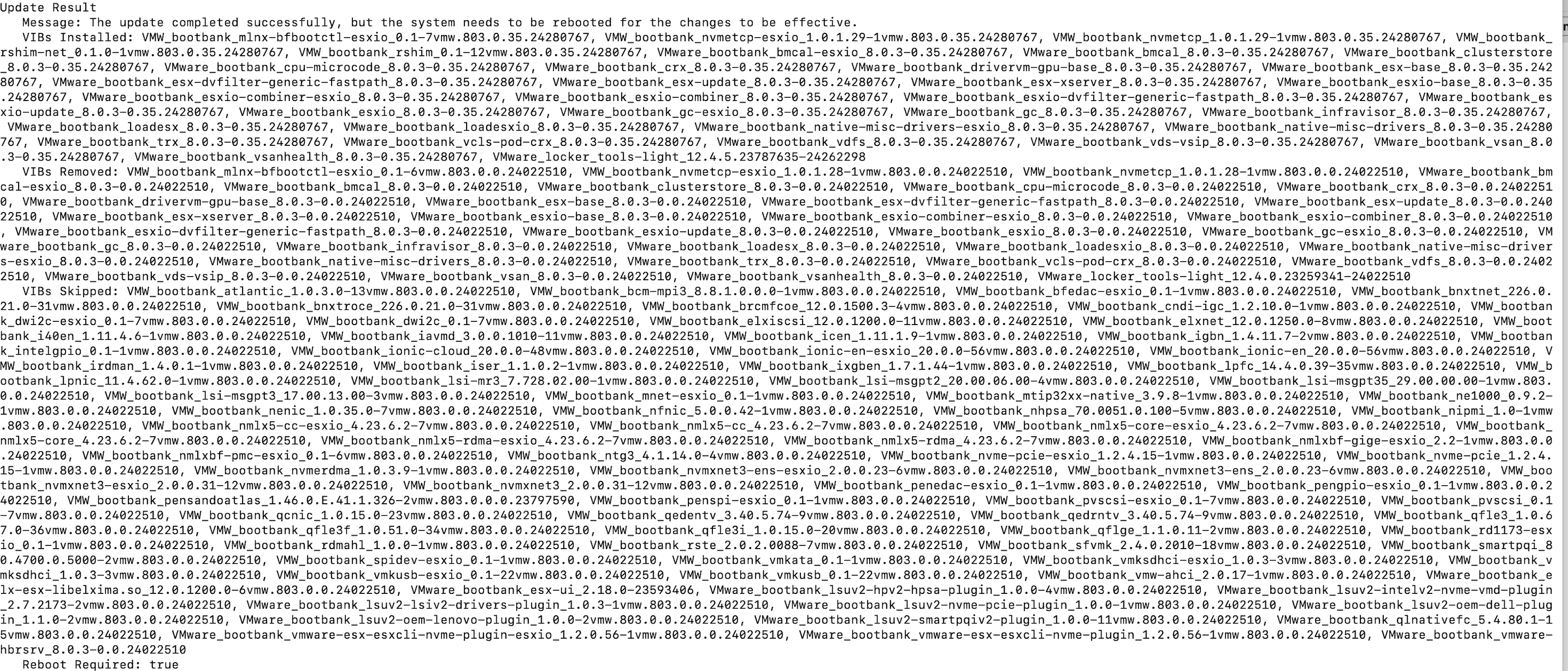
If it runs successfully you should be greeted with a big wall of text.